Workera • Principal Product Designer • 3 months
Some background
Workera helps companies figure out what skills their employees have and where the gaps are, like a fitness test for job skills. That depends on good assessments that accurately measure ability in a given area, whether that’s coding, data analysis, or something else.
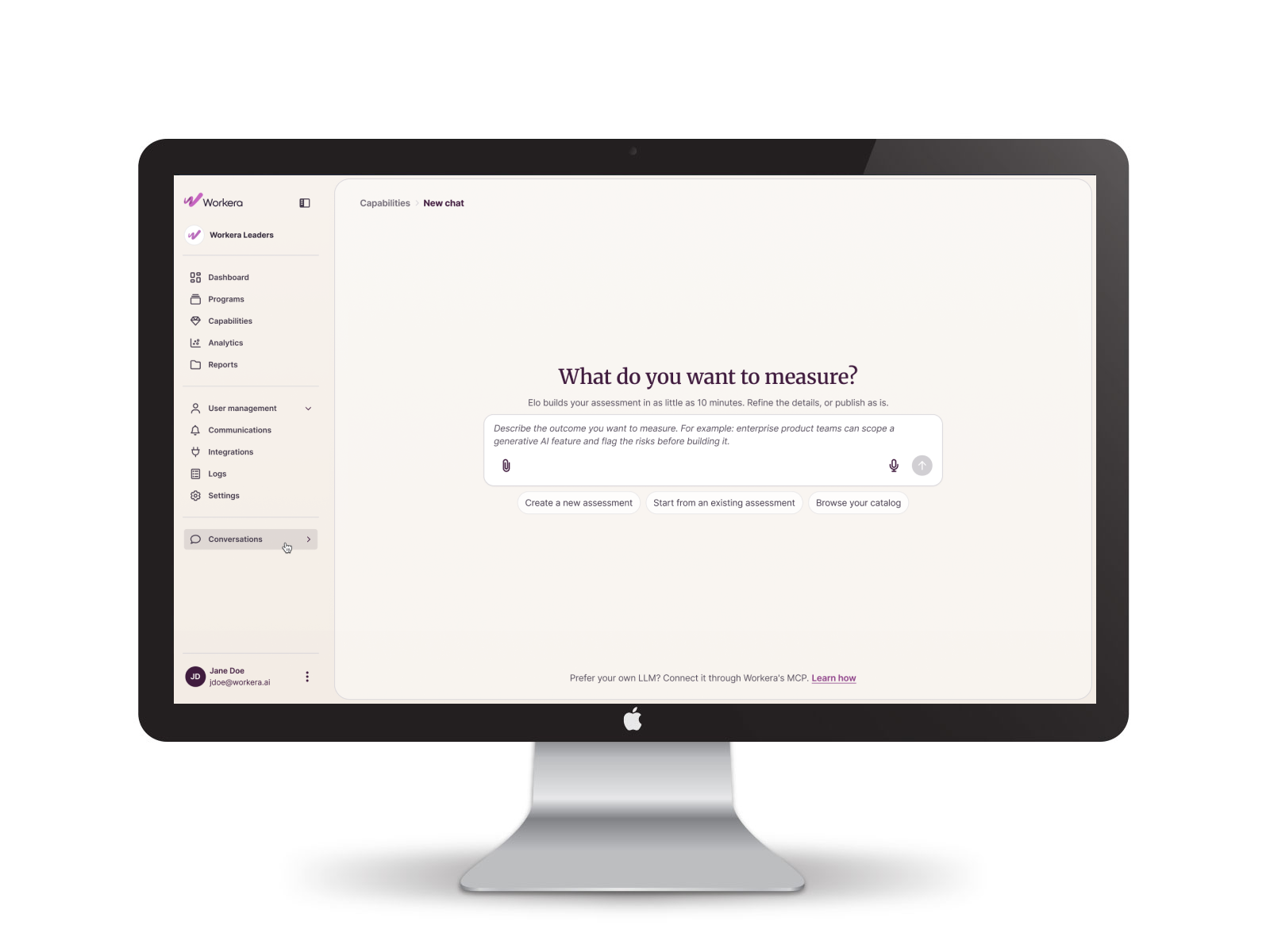
Compose is the tool people use to build those assessments. Cortex is the AI engine behind it. This case study covers designing that engine.
The problem
Building a good assessment used to require a specialist, take a long time, and demand a lot of upfront detail most people didn’t have ready. That process couldn’t scale with the number of new customers coming on. The goal: let non-specialists build good assessments on their own, quickly. That meant rebuilding how assessments got made, not just adding a nicer screen.
Discovery, and working with engineering
Before design started, I spent a lot of time with engineering figuring out what was actually possible. The AI needed to remember things across sessions. It couldn’t run on its own the whole time either, it needed real moments to pause and ask for more context. Figuring out where those moments belonged, and the rules for how the AI communicated and nudged people toward a good result, took real back-and-forth to get right. I’d bring an idea, engineering would flag where it would break, and I’d rework it. That process also meant simplifying complexity earlier UX passes had introduced, so we weren’t rebuilding things later because the technology couldn’t support them.
The approach
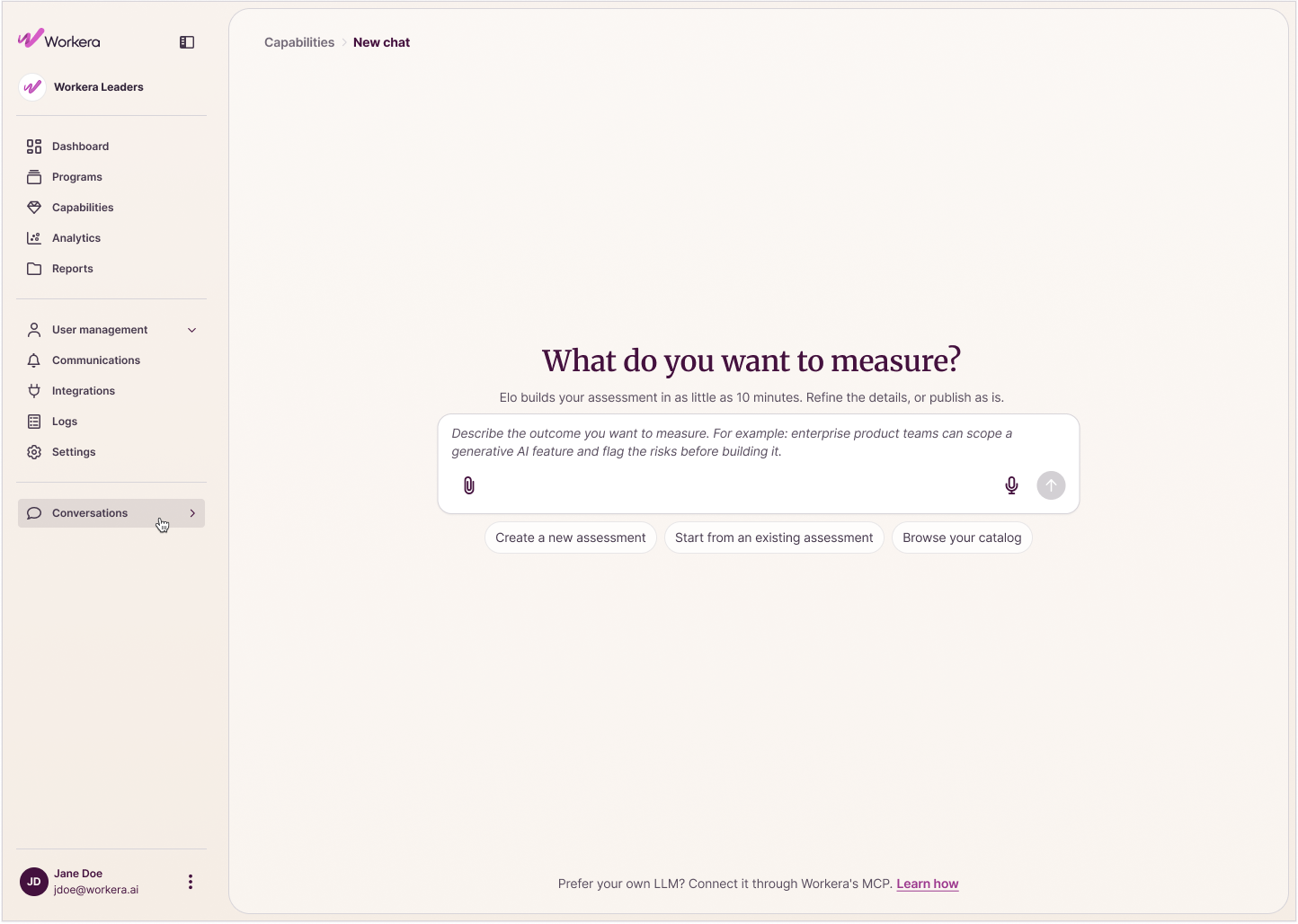
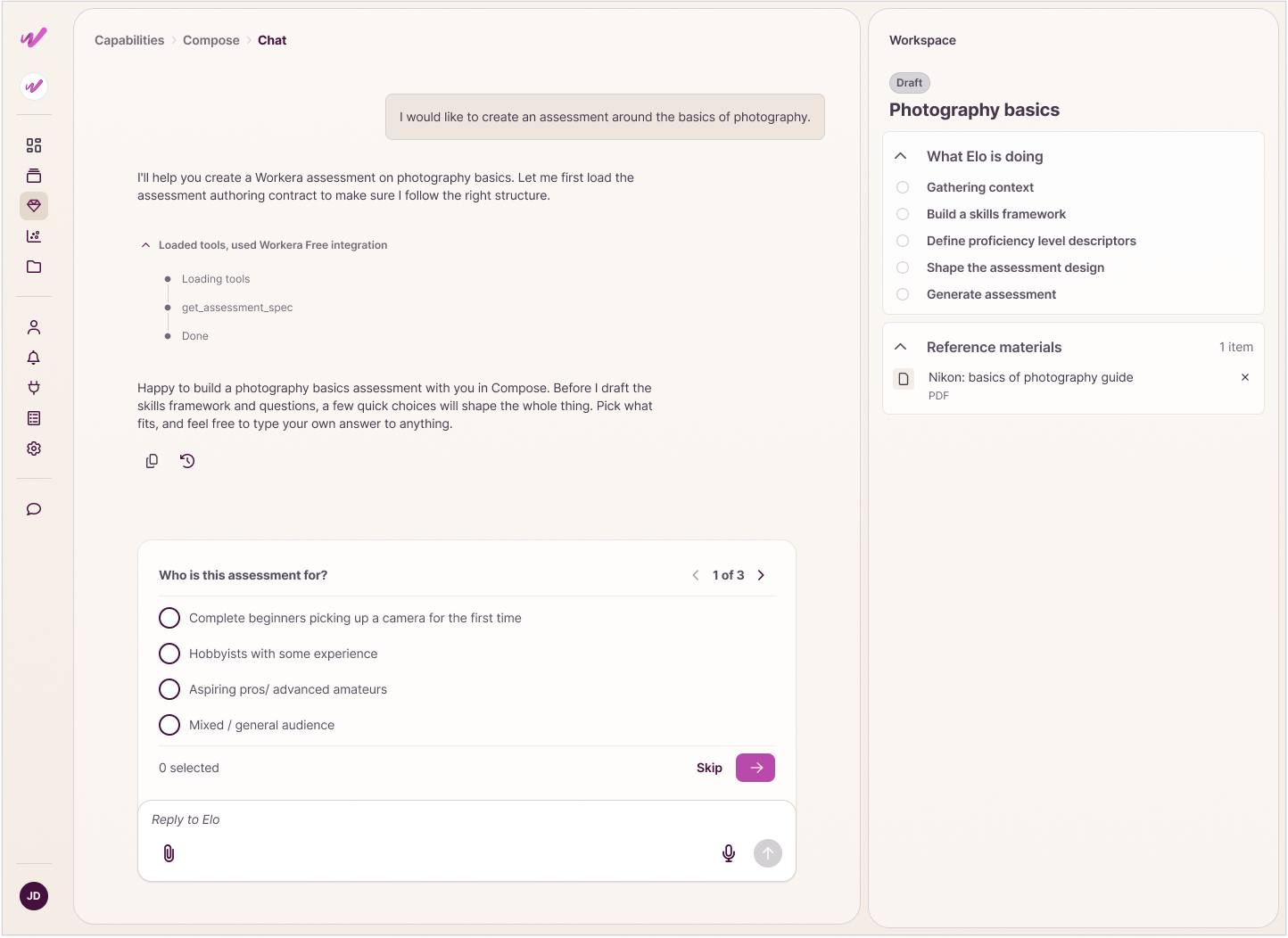
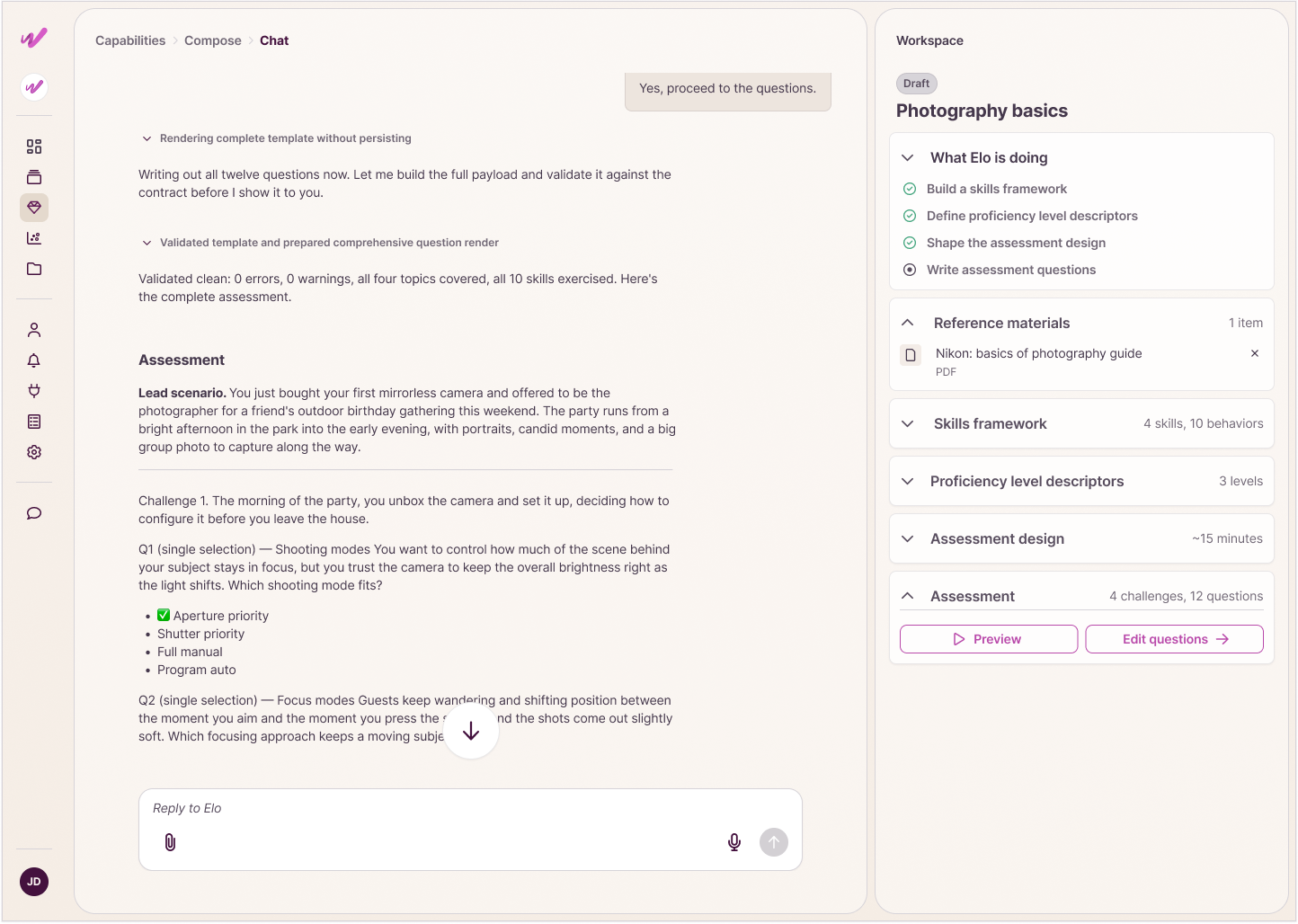
The agent needed to feel intuitive, almost anticipatory, picking up on where a conversation was heading and asking for the right thing at the right time. Getting there was iterative: design a version, watch how people used it, adjust.
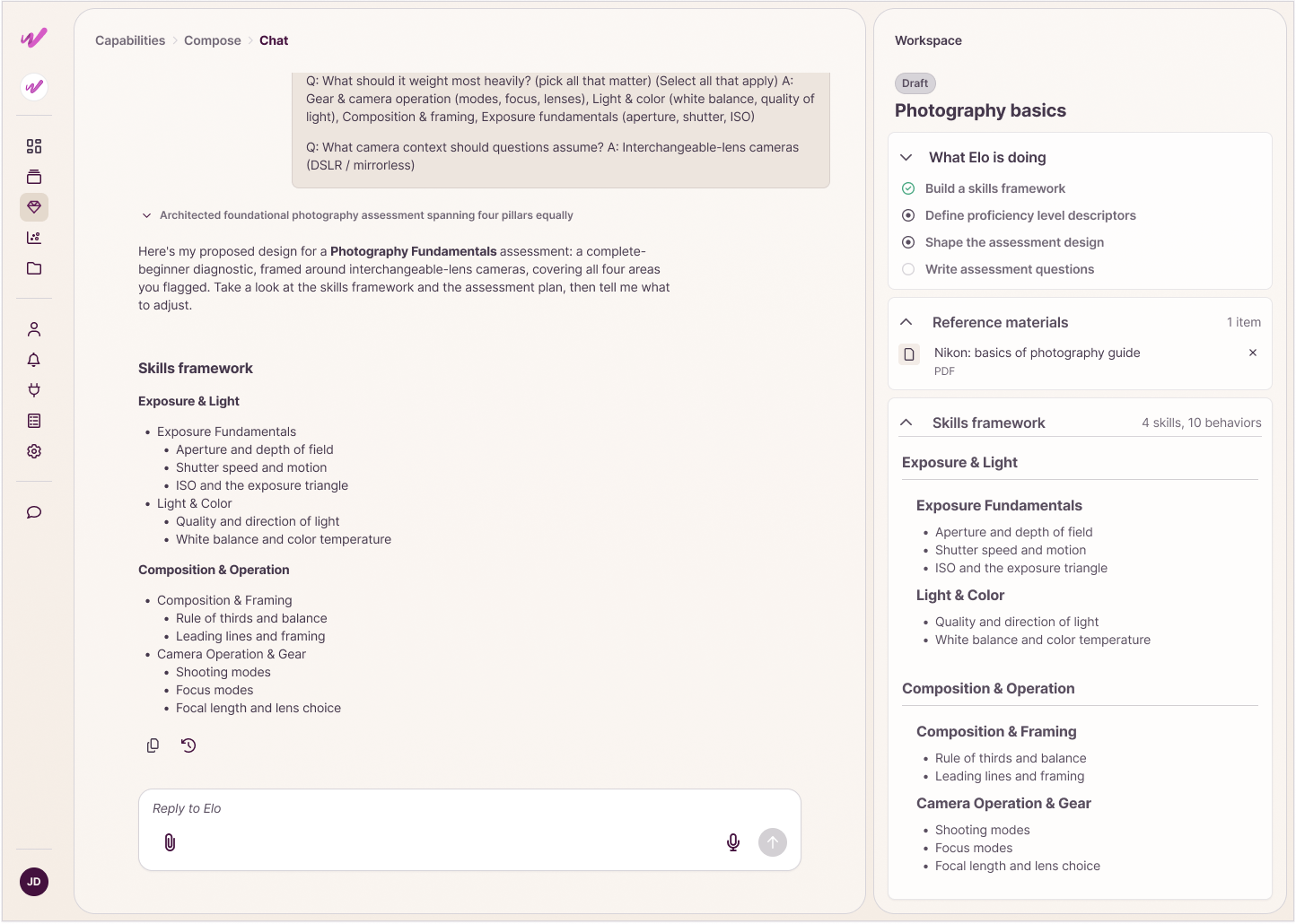
The concept underneath was to make Cortex genuinely headless: the engine built separately from whatever screen shows it, so it works the same way anywhere. I paired that with a bento box approach, one flexible framework with defined slots that could hold whatever Cortex generated, a plan, a question, a recommendation, without a new screen for each. That got tested for real when we built the same flow inside an MCP connection to Claude, an external AI assistant, at the same time. Claude’s output had to route back into the Compose Cortex interface cleanly, an outside LLM and our own platform working together.
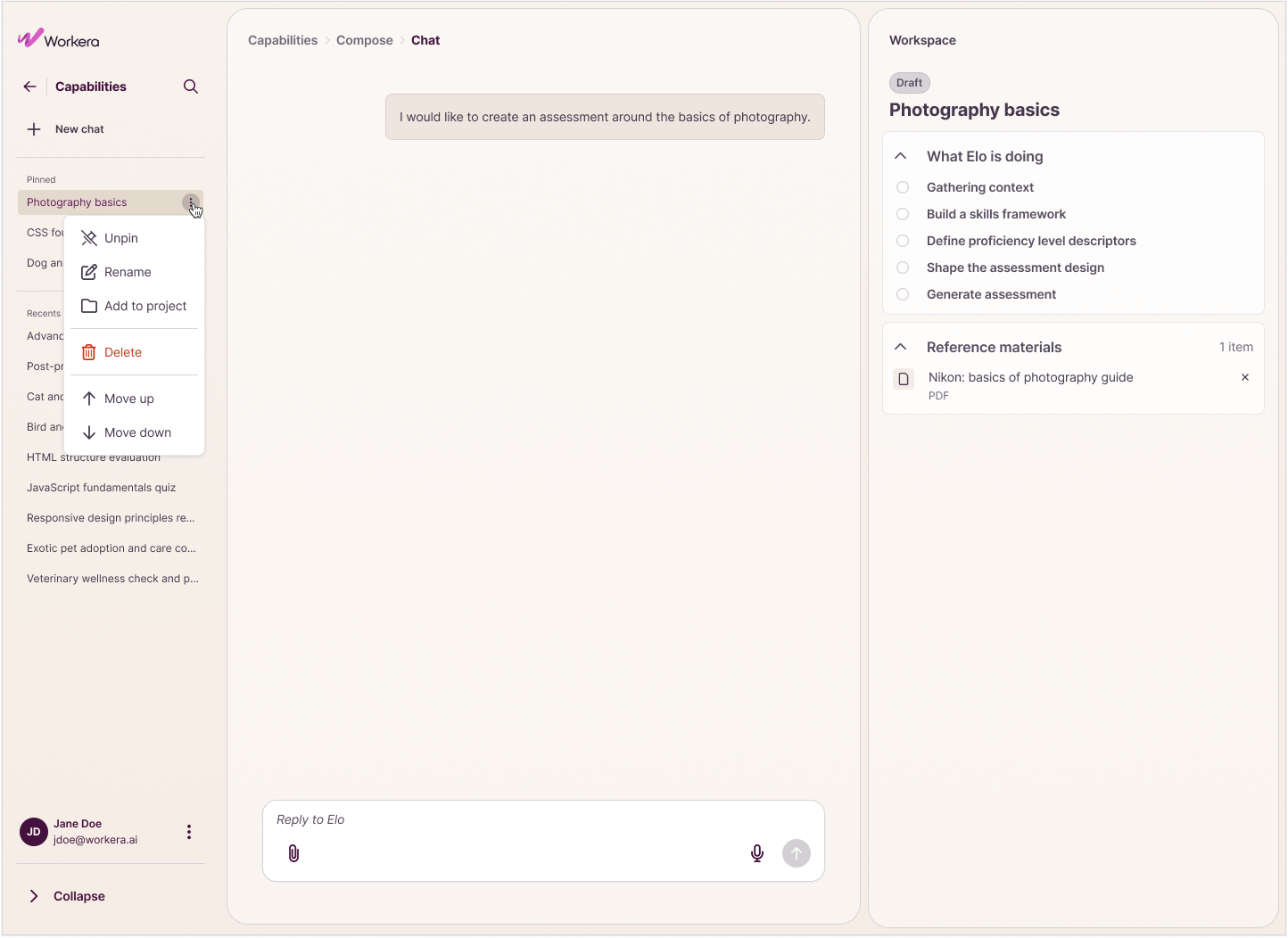
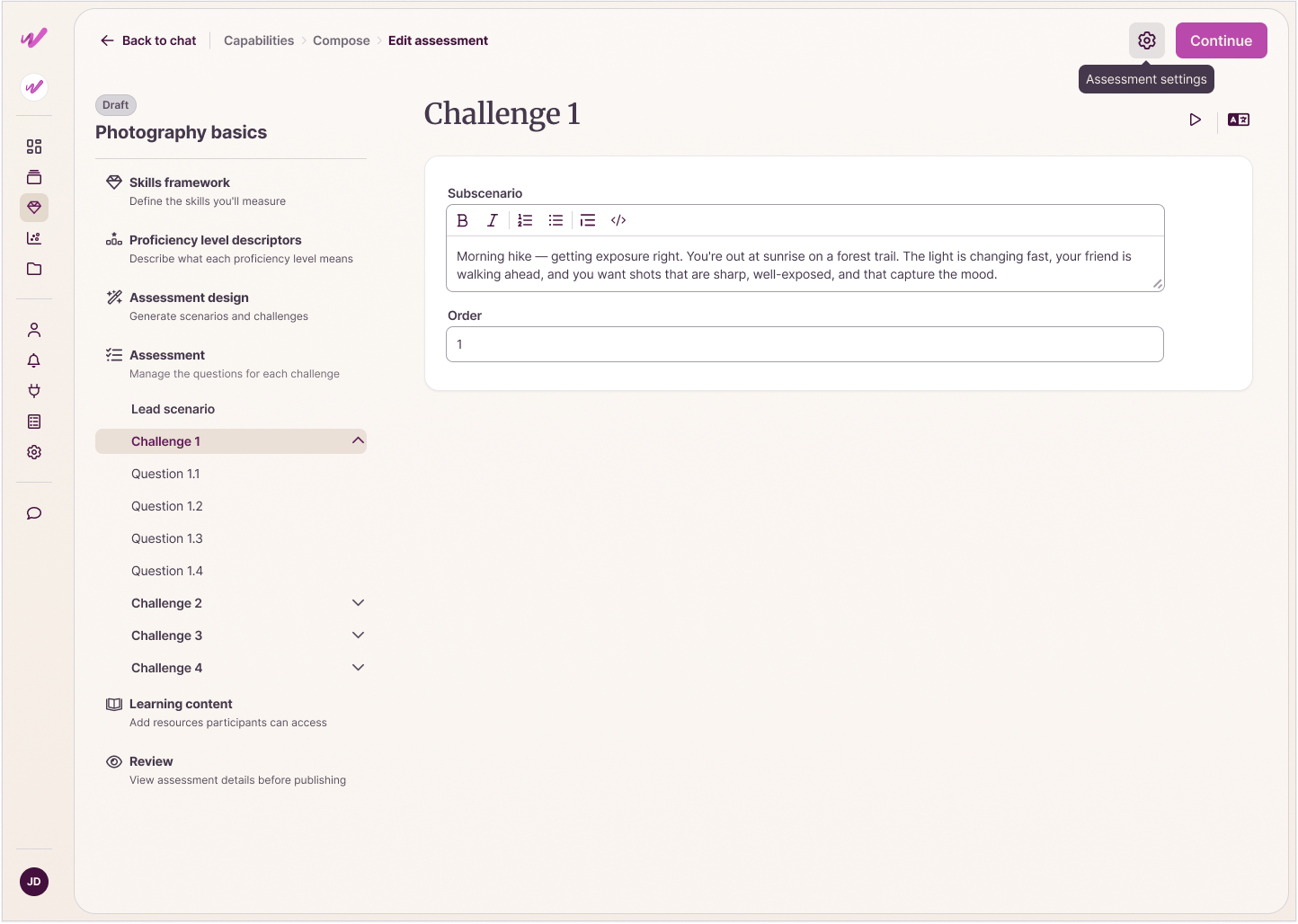
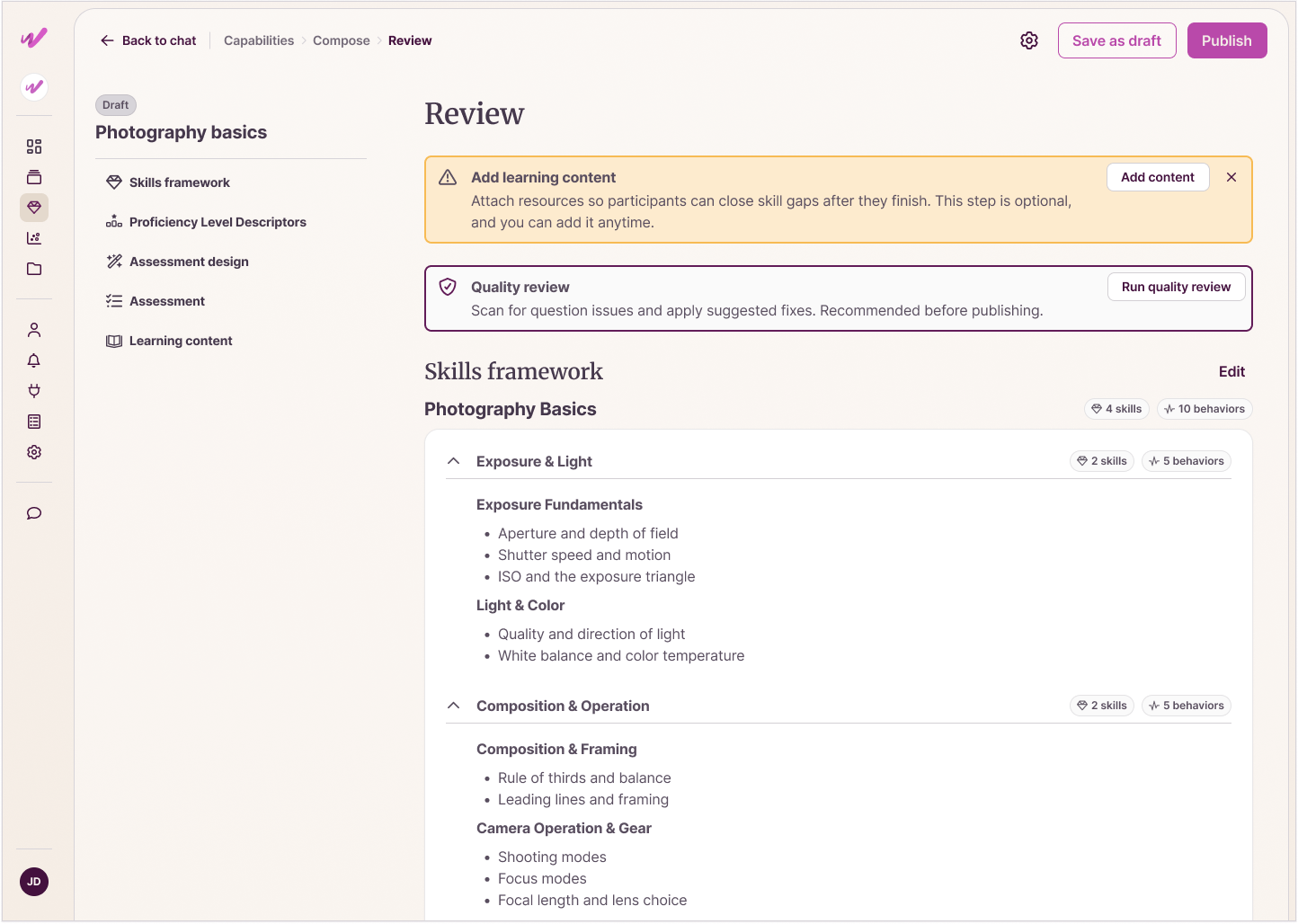
The old Compose asked a lot upfront: separate steps for context, uploads, and clarifying questions, each its own hurdle. I collapsed that into the conversation itself, so people could hand over context, upload documentation, and answer clarifying questions from the start, in one flow. I also kept a two-way door between chat and manual edit mode, so anyone could step out, fine-tune by hand, and step back in without starting over.
The outcome
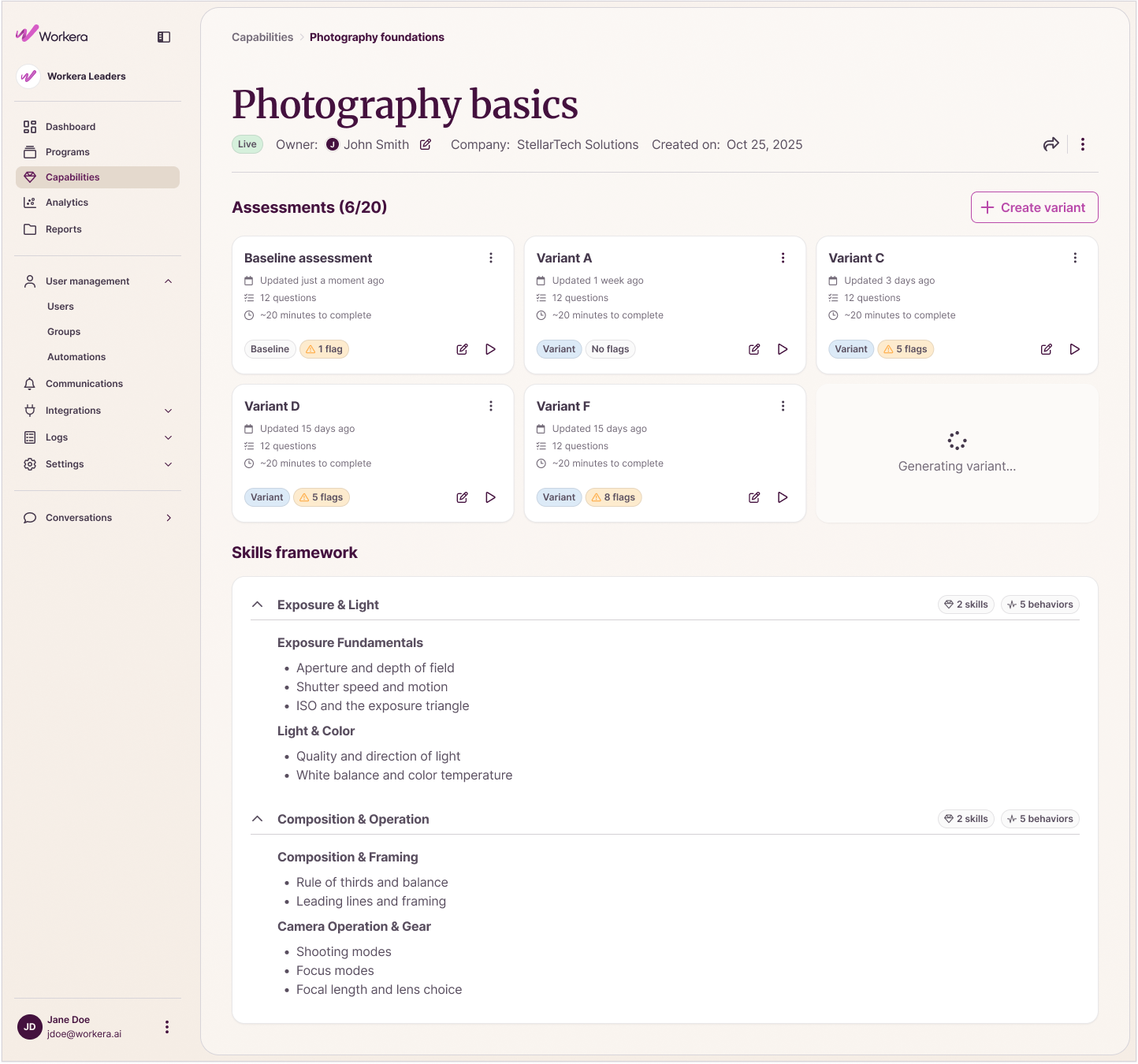
In the first month after launch, 51 people across 18 companies used Cortex to build assessments directly, no specialist involved. That work used to take our internal team 2 hours to a couple of days, with reviews going back and forth in old Compose. With Cortex, it takes as little as 15 minutes with quality checks built in, saving customers time and money. The largest group were people doing quick, one-shot sessions, alongside a solid core building things out in more depth, a healthy spread rather than a few power users driving the count.
That speed came from the headless, flexible approach, and it’s also what let it scale. It worked across two product environments without needing two separate designs. Cortex became something other teams started building on, not a one-time feature, with work underway to bring the same engine into other parts of the product.
Reflection
The real decision here wasn’t about a screen. It was deciding the experience lived inside the engine and the flexible templates around it, not any one interface. That kind of decision comes from system design and strategy, not interaction design alone. Without it, we’d have rebuilt the same clunky tool with a nicer coat of paint. It also meant designing for workflows that didn’t exist yet, and working close enough with engineering to know what the technology could actually deliver.